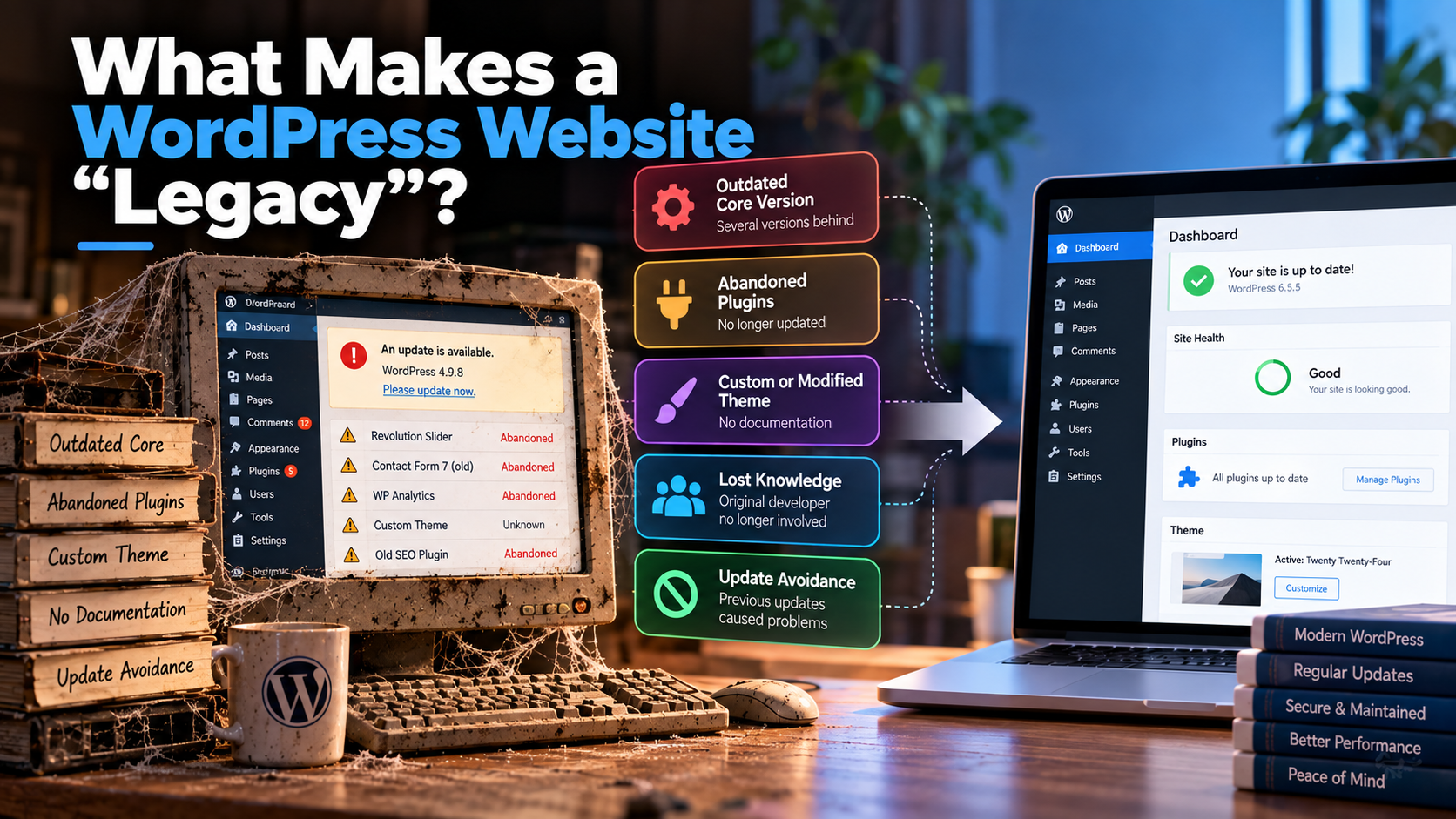
WordPress powers a very large share of the web, and because it's been around since 2003, a huge number of WordPress installations have been running, largely untouched, for years. Calling a WordPress site "legacy" isn't really about its age in years — it's about a specific combination of conditions that make it fragile and risky to touch.
The Usual Signs
A WordPress installation tends to earn the "legacy" label when several of the following are true at once:
Why This Combination Is Risky, Specifically
WordPress's plugin ecosystem is one of its biggest strengths and, in a legacy setup, one of its biggest liabilities. Each plugin is effectively a separate piece of software with its own code quality, its own security track record, and its own dependency on specific WordPress and PHP versions. A site running a dozen plugins, several of which haven't been updated in years, is running a dozen separate unknowns stacked together. An outdated core version compounds this, because WordPress security patches are issued regularly, and skipping them leaves known, publicly documented vulnerabilities unpatched indefinitely.
Legacy Doesn't Mean "Bad Site"
A legacy WordPress site can still look fine and function correctly for visitors — the risk is largely invisible from the front end. That's part of why these situations persist: there's no obvious symptom prompting anyone to act until something does go wrong, whether that's a security incident, a hosting provider forcing a PHP upgrade that breaks the site outright, or a plugin conflict that suddenly surfaces after months of dormancy. Recognizing the pattern — old core, abandoned plugins, undocumented customization, update-avoidance — is the useful first step, independent of whether the fix ends up being an update, a partial rebuild, or a full one.